# Open and Close Loan
Source: [https://docs.curve.finance/user/llamalend/guides/borrow/open-and-close](https://docs.curve.finance/user/llamalend/guides/borrow/open-and-close)
## Open a new Loan
### Select a Market
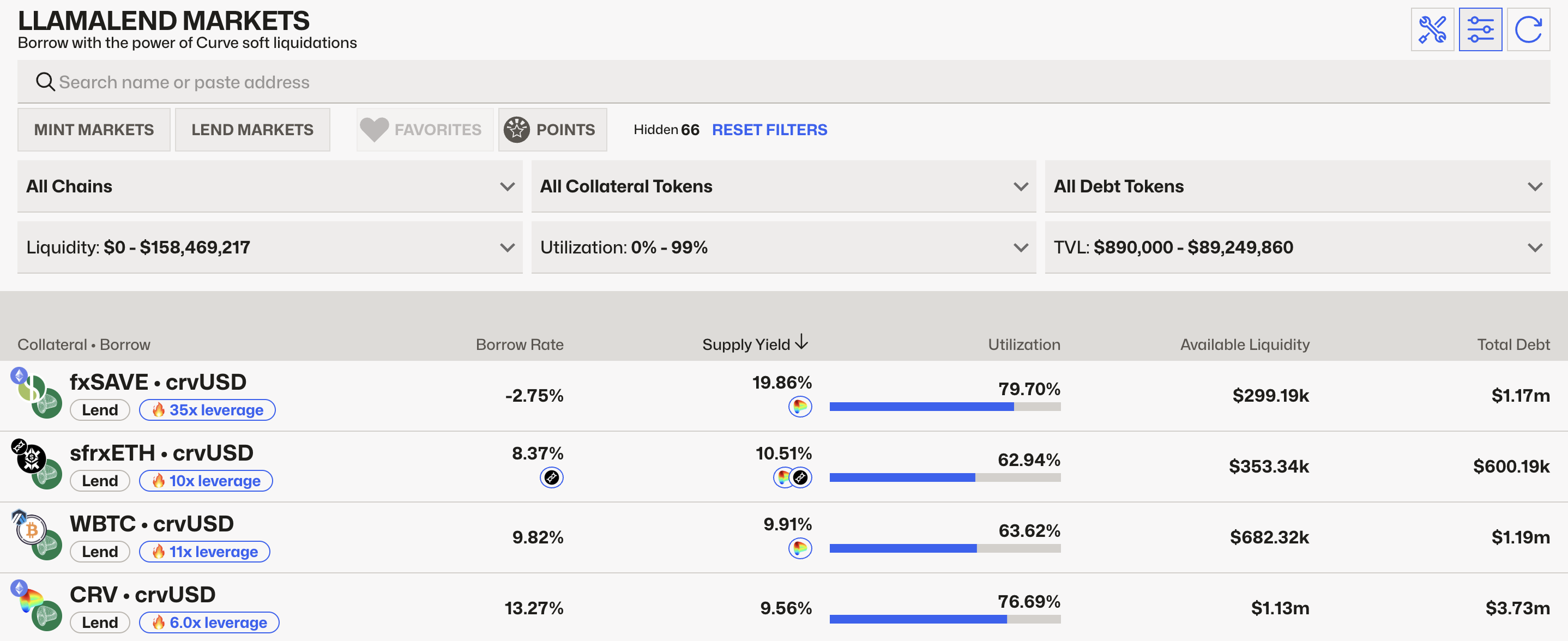
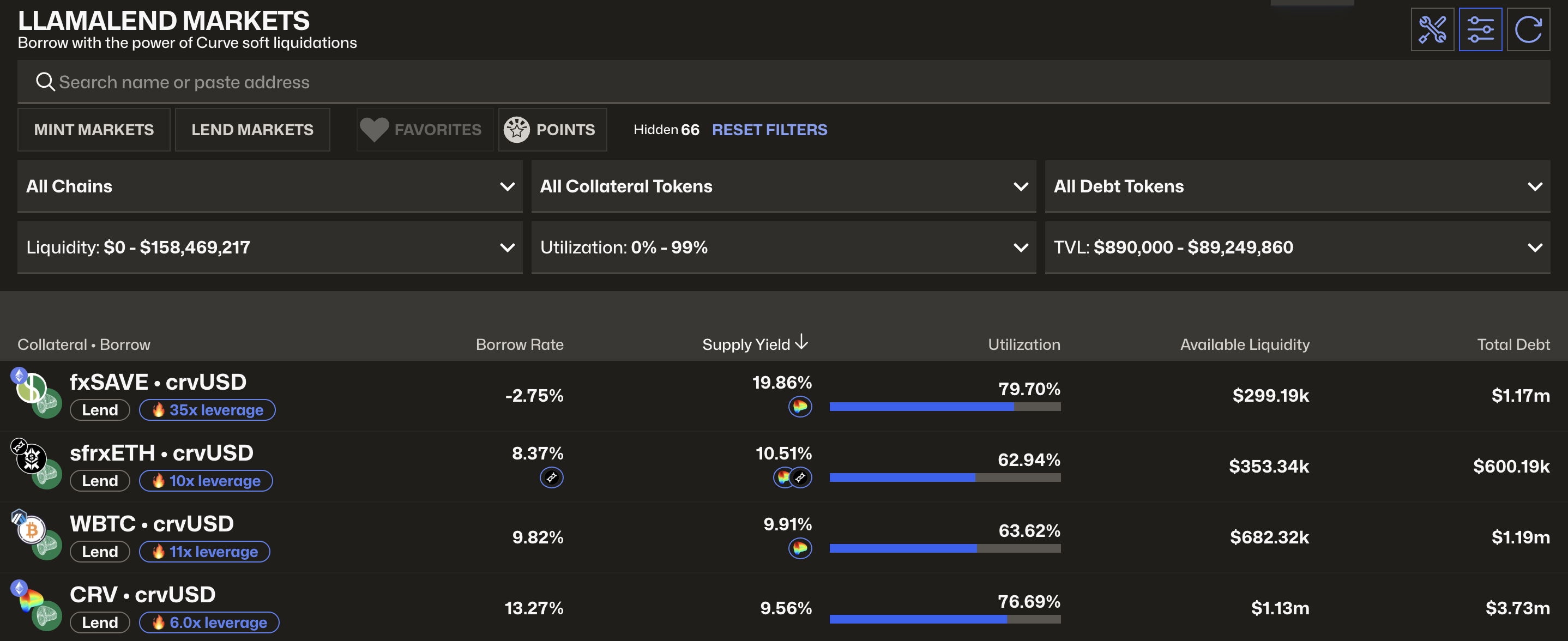
The UI provides various filtering methods to find the most suitable market.
### Specify Loan Parameters
To create a loan, enter the amount of collateral you want to use and choose how much crvUSD to borrow. If its your first time creating a loan within this market, you will need to sign two transactions.
1. approval
2. create loan
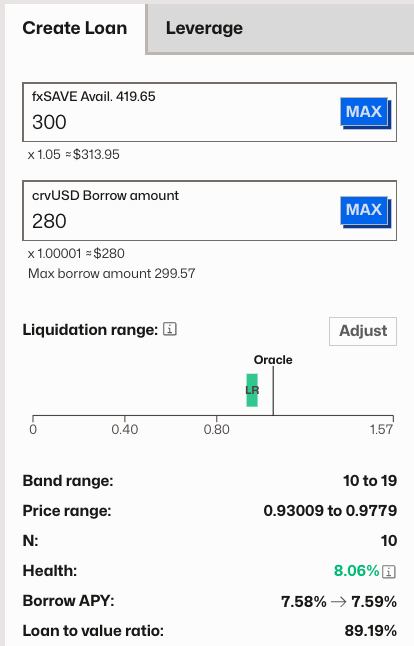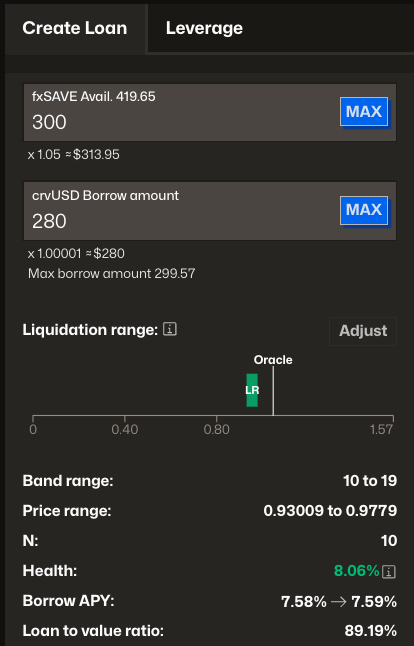
The UI will provide an overview of the price range ([liquidation protection range](https://docs.curve.finance/user/llamalend/liquidation-protection/how-it-works.md)), health of the loan, borrow rate, etc.
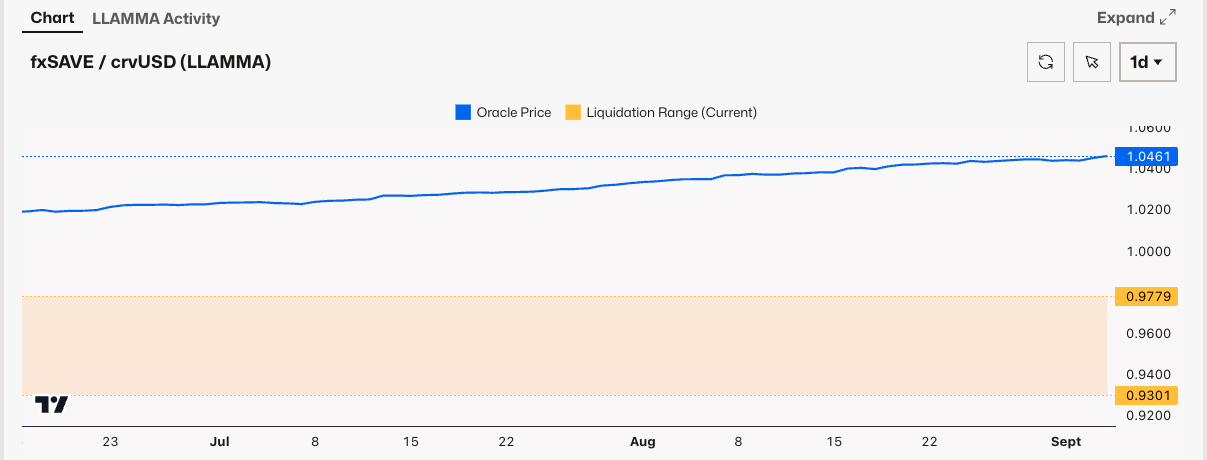
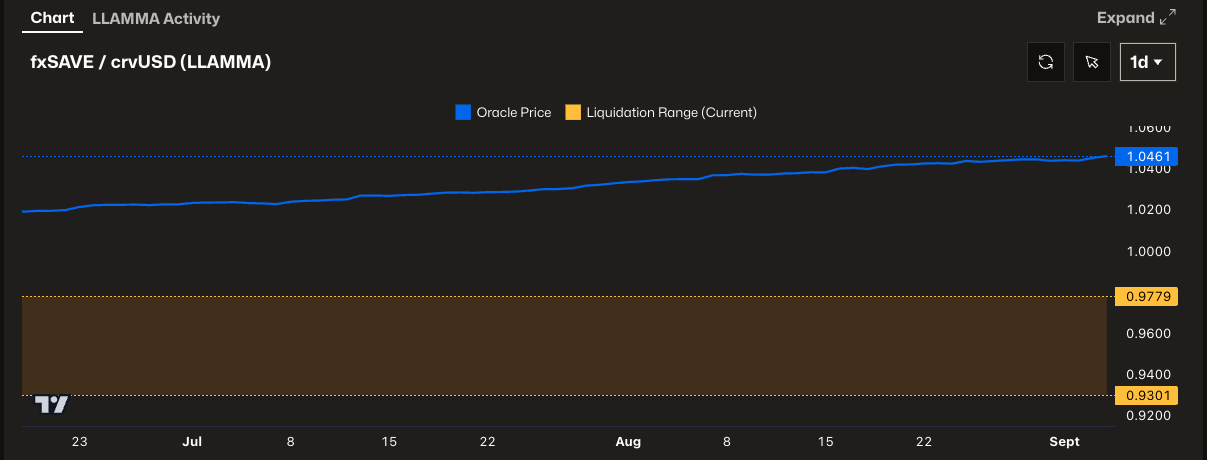
Additionally, there is a chart which displays the price of the collateral token (blue line) and your liquidation range (orange area).
### View Your Position
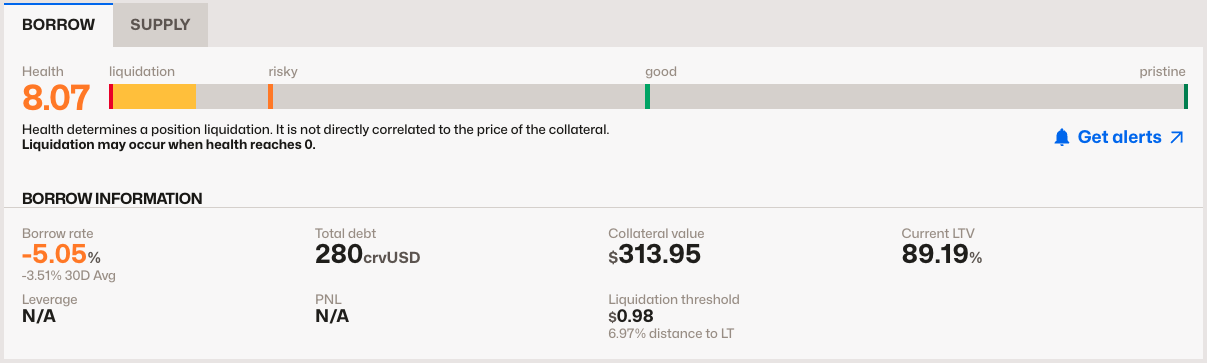
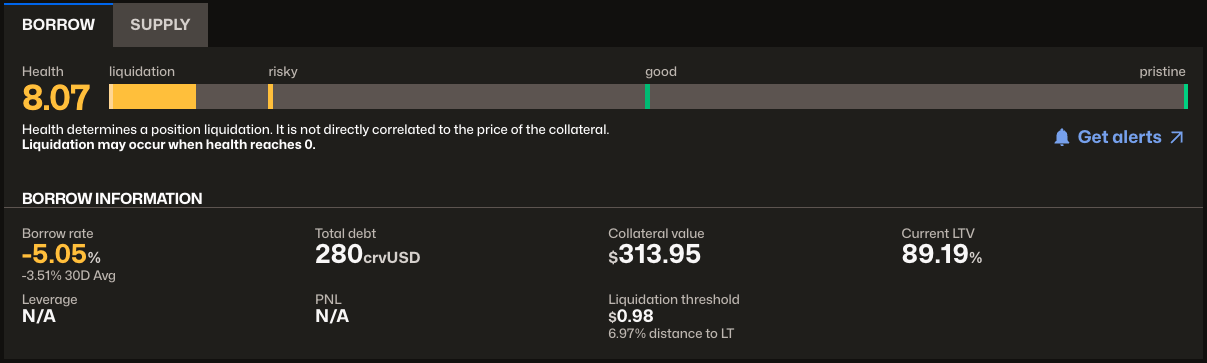
After a loan has been created, all your position details show in a single card. The "Get alerts" button on the top redirects you to a telegram bot which lets you monitor your position.
* * *
## Closing Your Loan
To fully close your loan, you need to repay all of your debt. There are two options:
1. Fully repay your loan
2. Self-liquidate your loan if its in liquidation protection mode
### Fully Repaying
Navigate to the "Repay" tab and select how to repay your debt. You have the following options:
- **Repay from Collateral**: Repay your debt using your current collateral. The system will sell as much collateral as needed to repay the debt and return the remaining balance to your wallet.
- **Repay from Wallet**: Repay your debt using assets directly from your wallet. You can use either the collateral token or the debt token.
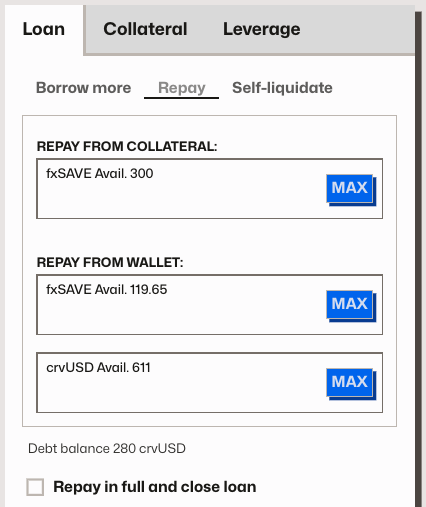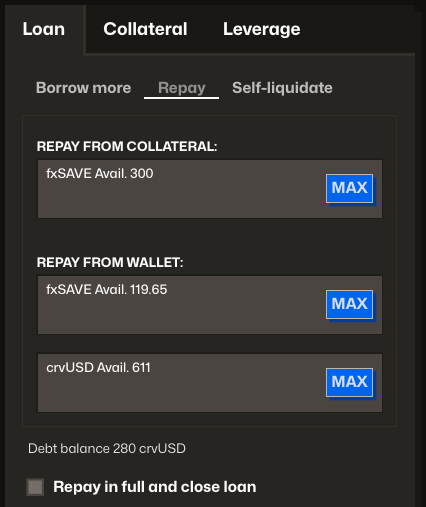
Alternatively, you can check the "Repay in full and close loan" box for a streamlined process.
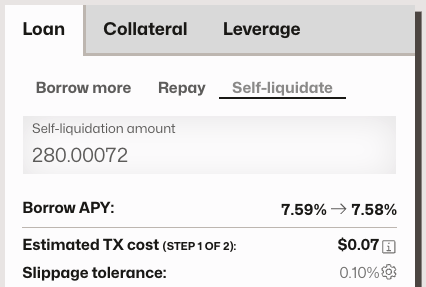
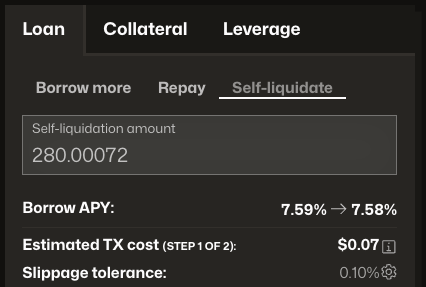
### Self Liquidate
Another option to close your loan is to self-liquidate when your loan is in liquidation protection mode. This is essentially the same as repaying the full debt with crvUSD from your wallet.