Depositing Assets
Select a Market
The UI provides a granular filter system to help you find the right lending market for your assets. Lending markets labled with the "Mint" can't be supplied to.
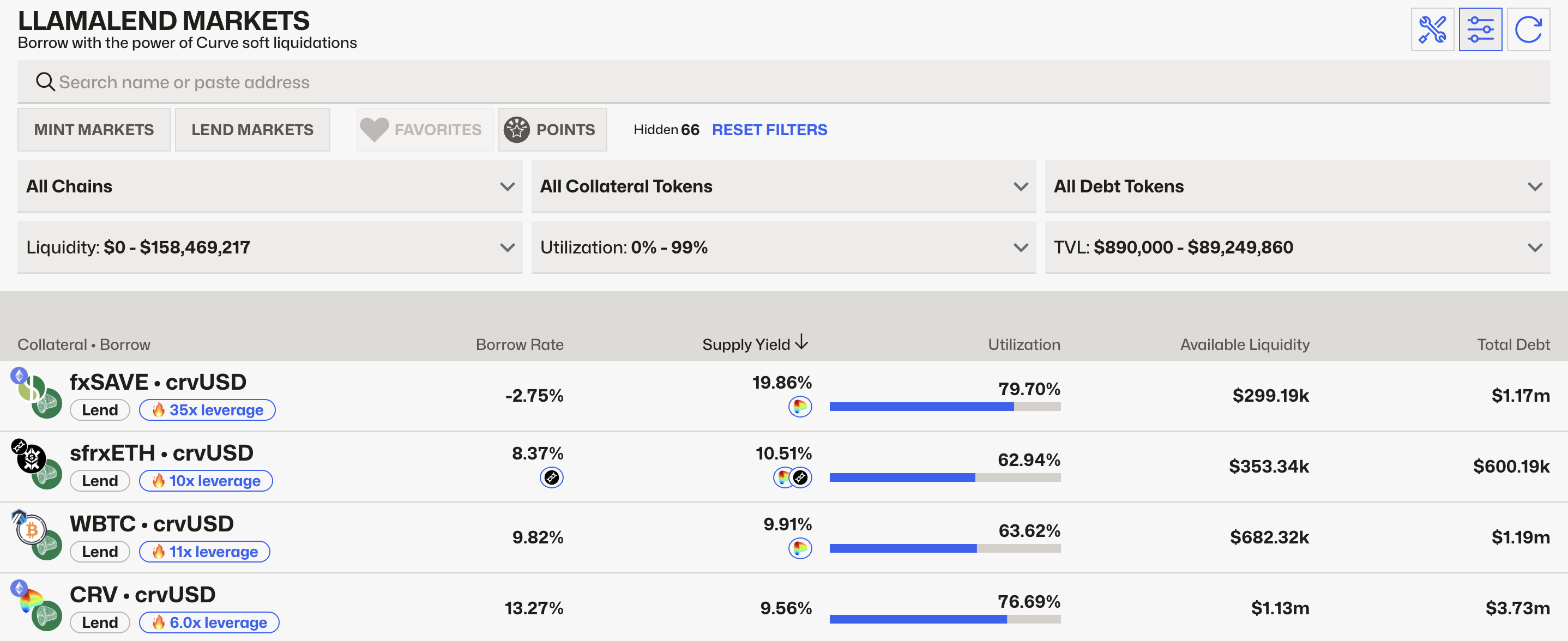
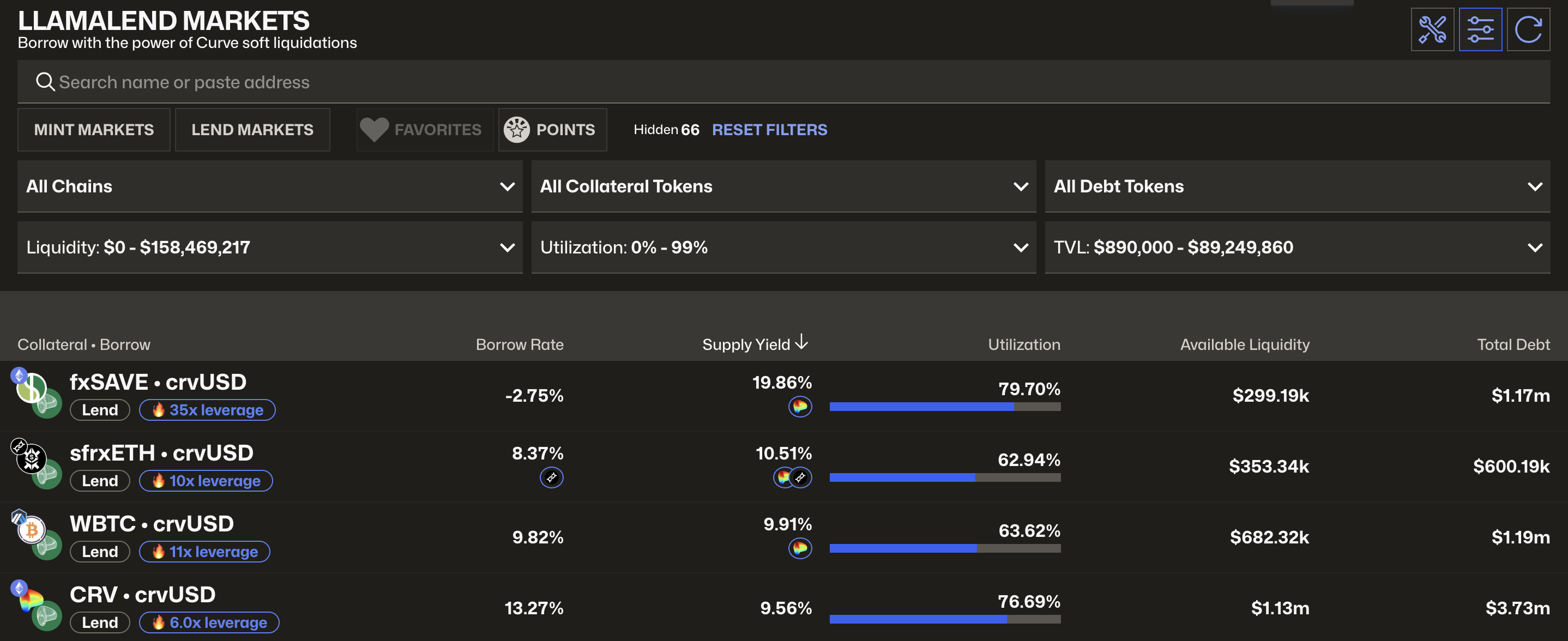
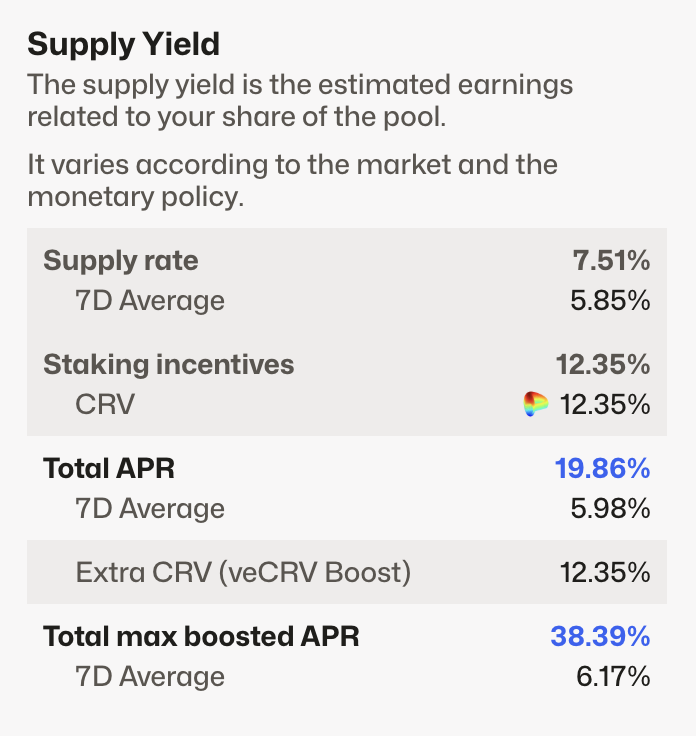
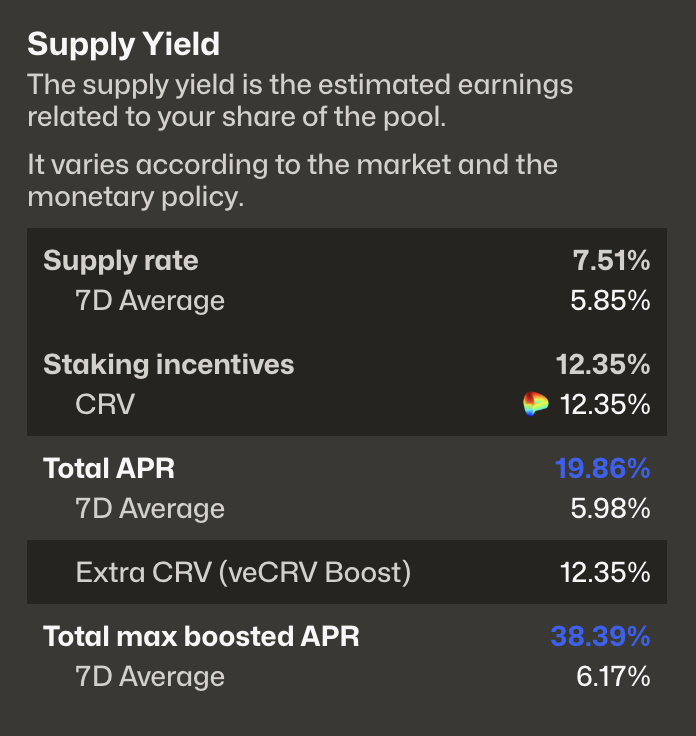
When hovering over the supply rate, a tooltip will appear explaining the composition of the total rate (base yield, CRV emissions, etc.).
Depositing Assets
Input the amount of assets you wish to deposit. If this is your first time interacting with this market, you will need to sign two transactions:
- Approve tokens - Allow the contract to access your tokens
- Deposit tokens - Transfer your tokens into the lending market
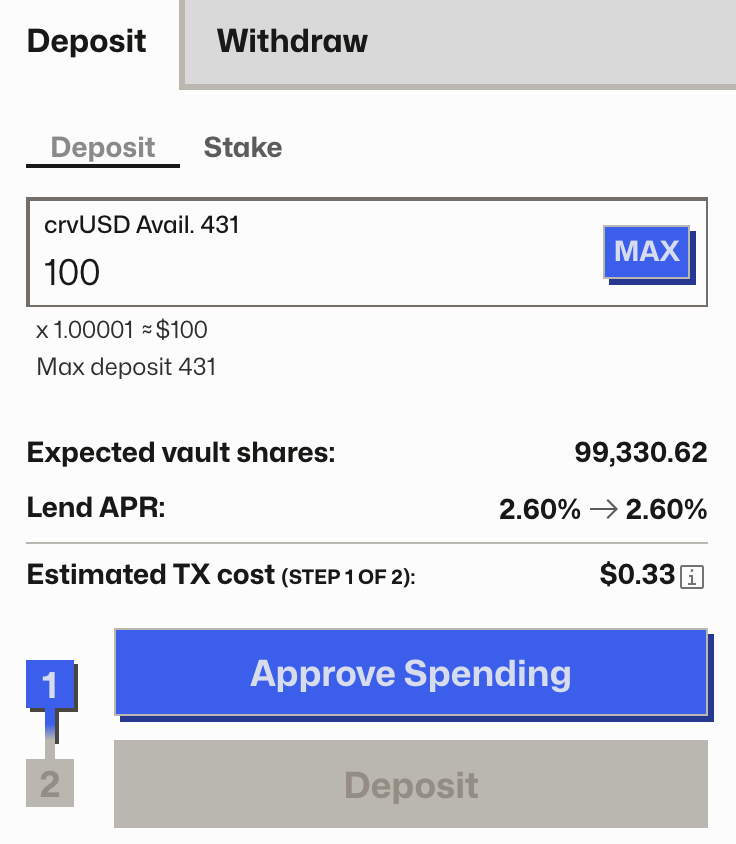
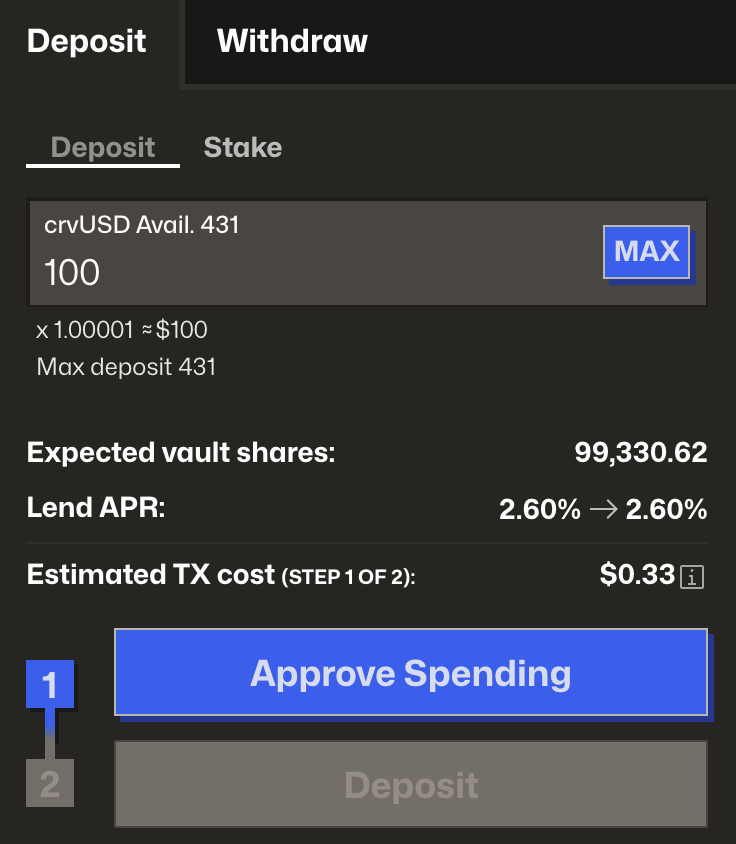
The UI displays important information including:
- Expected vault shares - Represent your ownership of lent assets
- Lending APR - The rate you will earn on your assets
- Estimated transaction fee - Gas cost for the transaction
Staking Vault Shares
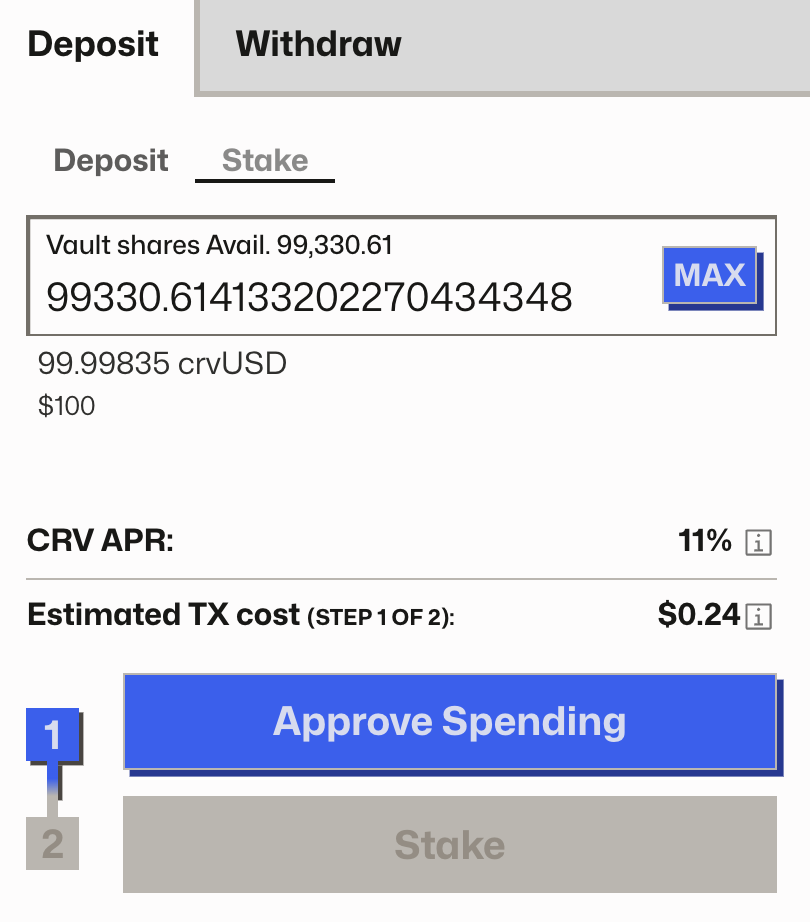
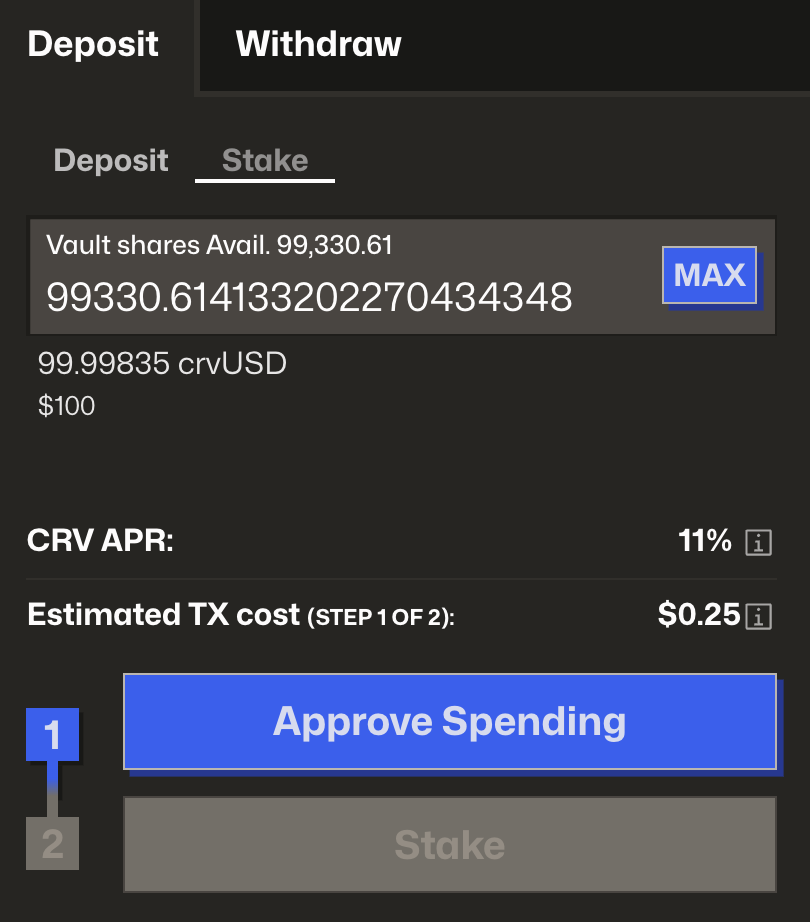
If the lending market offers additional rewards, you can earn them by staking your vault shares. Unstaked shares only earn the base supply rate.
To stake your assets:
- Switch to the Stake tab
- Set the amount of vault shares to stake
- Confirm the transaction
After staking, your position will start earning extra rewards like CRV emissions. Learn how to claim rewards in the Claiming Rewards guide.
Position Overview
Your lending position displays key information including:
- Current supply rate - The APR you're currently earning
- Amount supplied - Total assets deposited in the market
- Total vault shares - Your ownership stake in the lending pool

