Locking CRV & Managing Locks
Locking your CRV tokens is the first step to participating in Curve governance and unlocking veCRV benefits. When you lock CRV, you receive veCRV based on the amount and duration of your lock. The longer you lock, the more veCRV you receive.
Locking CRV is not reversible. veCRV is non-transferable, and you can only reclaim your CRV after the lock period ends. You can only have one active lock per address, but you can extend the lock or add more CRV at any time.
How to Lock CRV
Visit the official Curve Locker UI at CRV Locker and connect your wallet on the top right.
Then, simply add the amount of CRV tokens you want to lock up and choose the lock duration. The minimum is 1 week, and the maximum is 4 years. The amount of veCRV you receive increases with longer lock times.
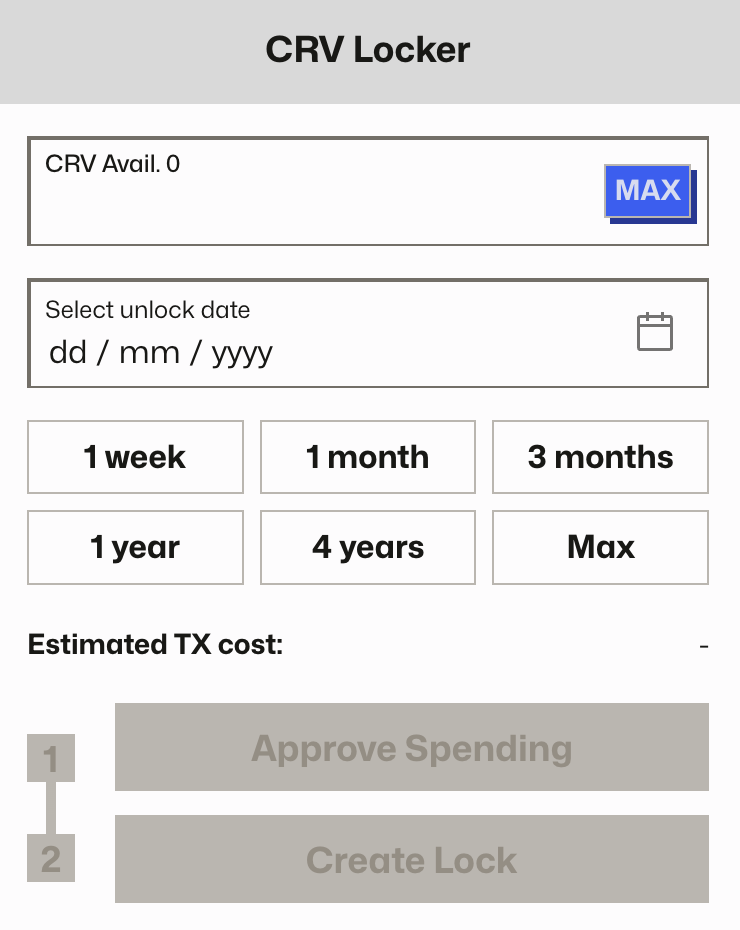
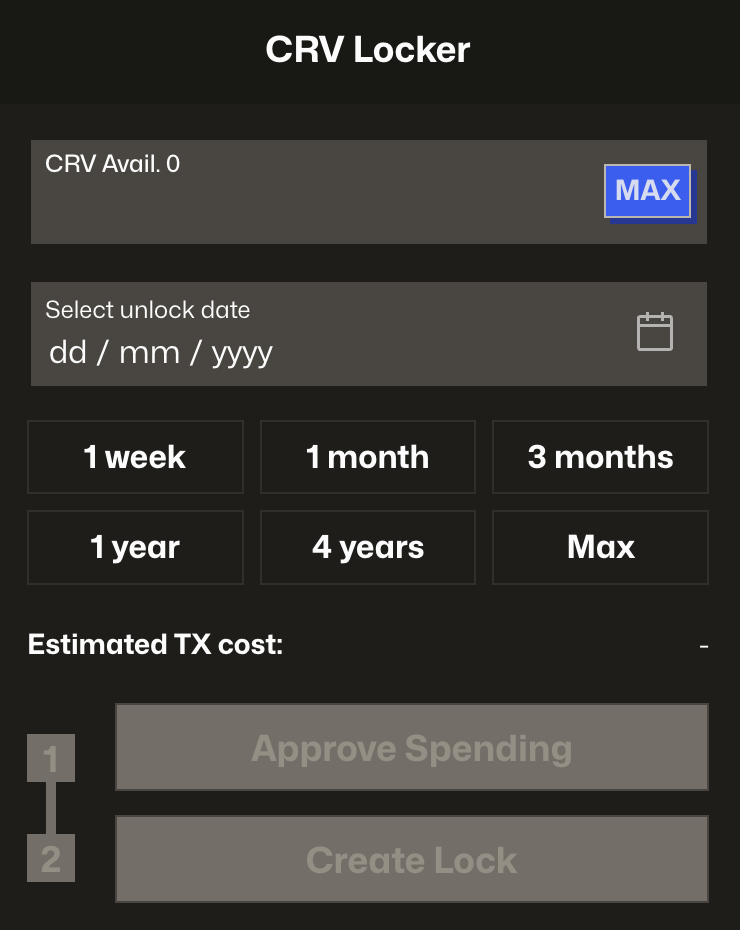
After locking, you will receive veCRV in your wallet. But remember: Unlike other tokens, you will not be able to transfer them.
Claiming Fees
Open Claim Fees on the DAO app's Lock CRV page to view and claim your veCRV revenue share. See Claiming veCRV Revenue Share for eligibility and claiming steps.
Managing Your Lock
Manage your active lock on the DAO app's Lock CRV page. Use Lock More to view your locked CRV and add tokens, or Extend Lock to view and change the unlock date. Your veCRV will begin to decay as time passes, reflecting the decreasing time left on your lock.
If you want to increase your veCRV, you can either:
- Extend your lock duration: This resets your lock to a later expiry date, increasing your veCRV balance.
- Add more CRV: You can deposit additional CRV into your existing lock at any time. The new CRV will be locked until your current expiry date.
Remember, you can only have one active lock per address. If you try to lock again, you’ll be prompted to either extend or add to your existing lock.
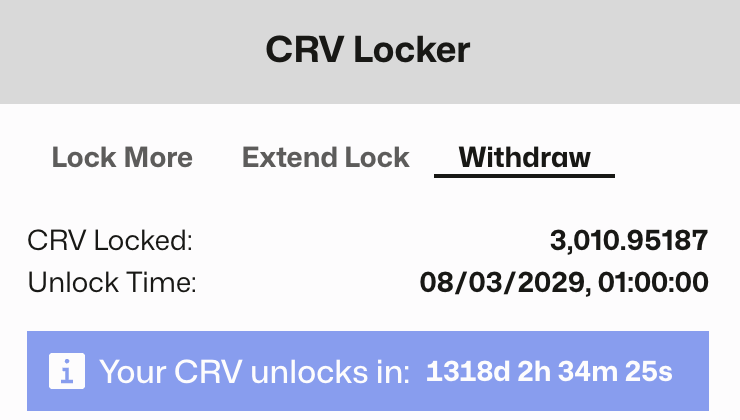
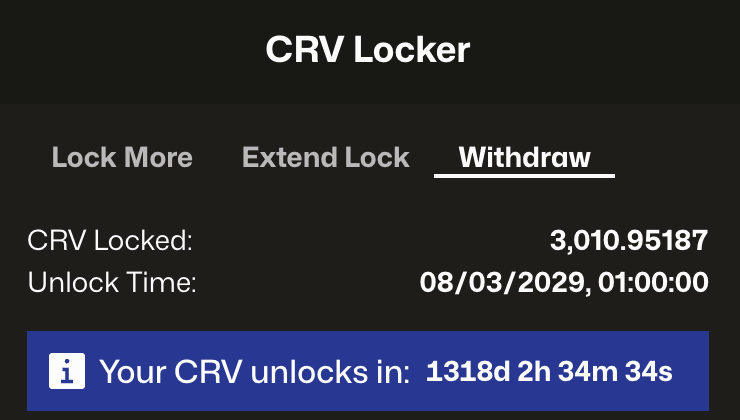
Withdrawing Your CRV
Once your lock period ends and your veCRV balance reaches zero, you can withdraw your original CRV tokens. This can be done through the same Curve UI under the "Withdraw" tab.