Deploying an FXSwap Pool
FXSwap pools are appropriate for two uncorrelated but low-volatility assets — such as Forex pairs like crvUSD/EURC or other stable foreign exchange pairs. The creation wizard will guide you through the process, but if you have questions at any point, feel free to reach out to the Curve team in the Telegram or Discord.
For a basic explanation of FXSwap mechanics, see: Understanding FXSwap.
Step 1: Choose Pool Type
Make sure your wallet is connected (top right corner) and your network is set to the chain where you want to deploy the pool.
The FXSwap pool algorithm is still fairly new. Although fully audited, it's still undergoing a "testing" phase to gather as much data as possible. Due to this, the chains where FXSwap pools can be deployed may be limited.
Select FXSwap as the pool type.


Step 2: Select Tokens
In this step, you'll define which assets your pool will support. FXSwap pools support two tokens only.
FXSwap pools are best suited for highly liquid assets with lower relative volatility. It is generally not recommended to use FXSwap for primary price discovery — use Cryptoswap pools for volatile assets instead.


Step 3: Set Pool Parameters
You can choose a preset configuration or switch to advanced mode to fine-tune the pool's behavior.
💡 Initial price bounds are fetched automatically from CoinGecko. If unavailable, you will need to input them manually.
Preset Options
The UI provides preset parameters. It's highly recommended to use these presets. If custom parameters are desired, please reach out via Telegram first to determine suitable parameters for your pool.


The preset also automatically sets suitable fee parameters:


You can use these as-is or switch to Advanced mode to adjust parameters manually.
Advanced Parameters
To fine-tune the pool, enable the Advanced toggle. However, before experimenting with parameters here, it is best to consult with someone from the team to ensure everything works smoothly.
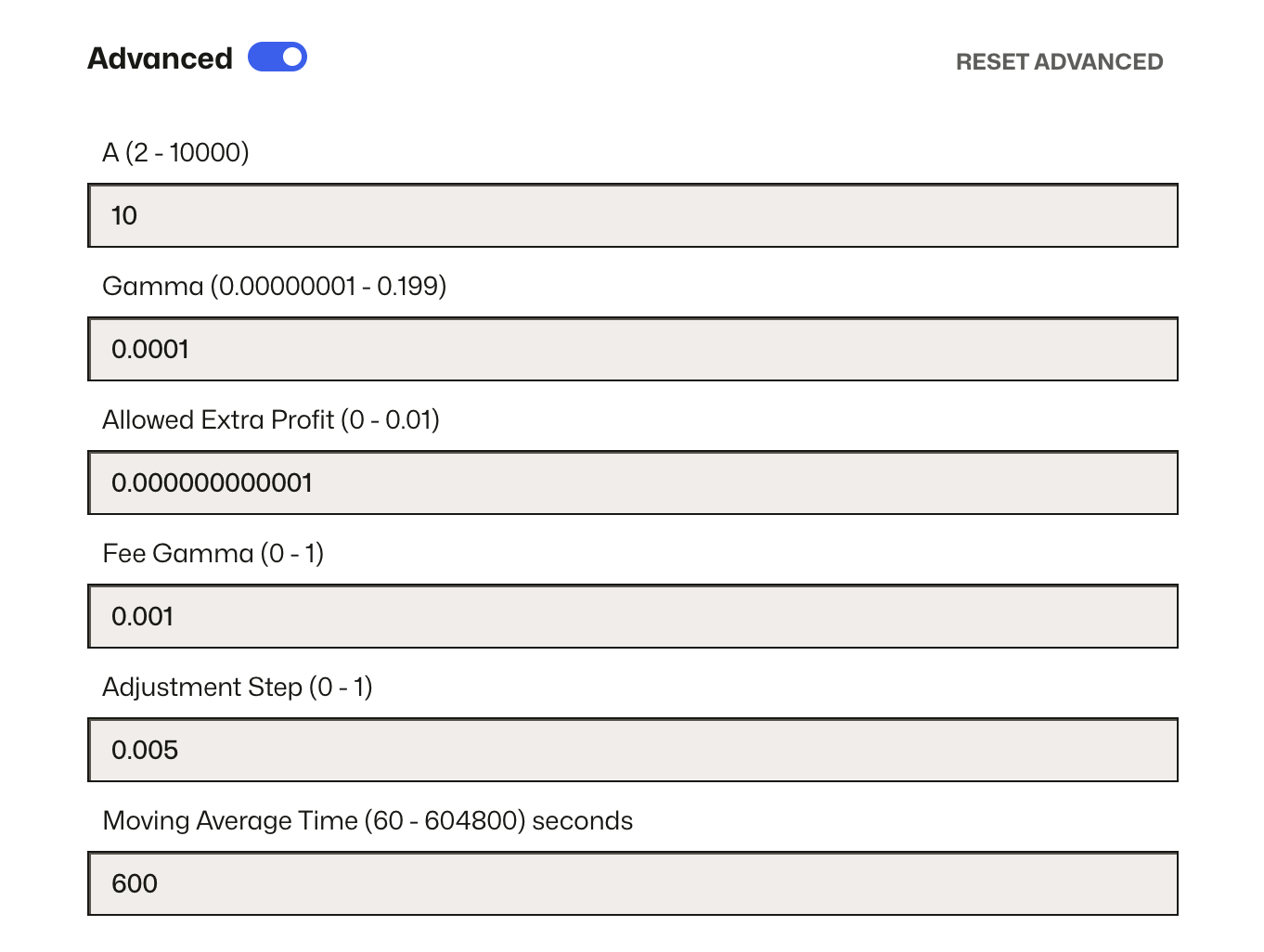
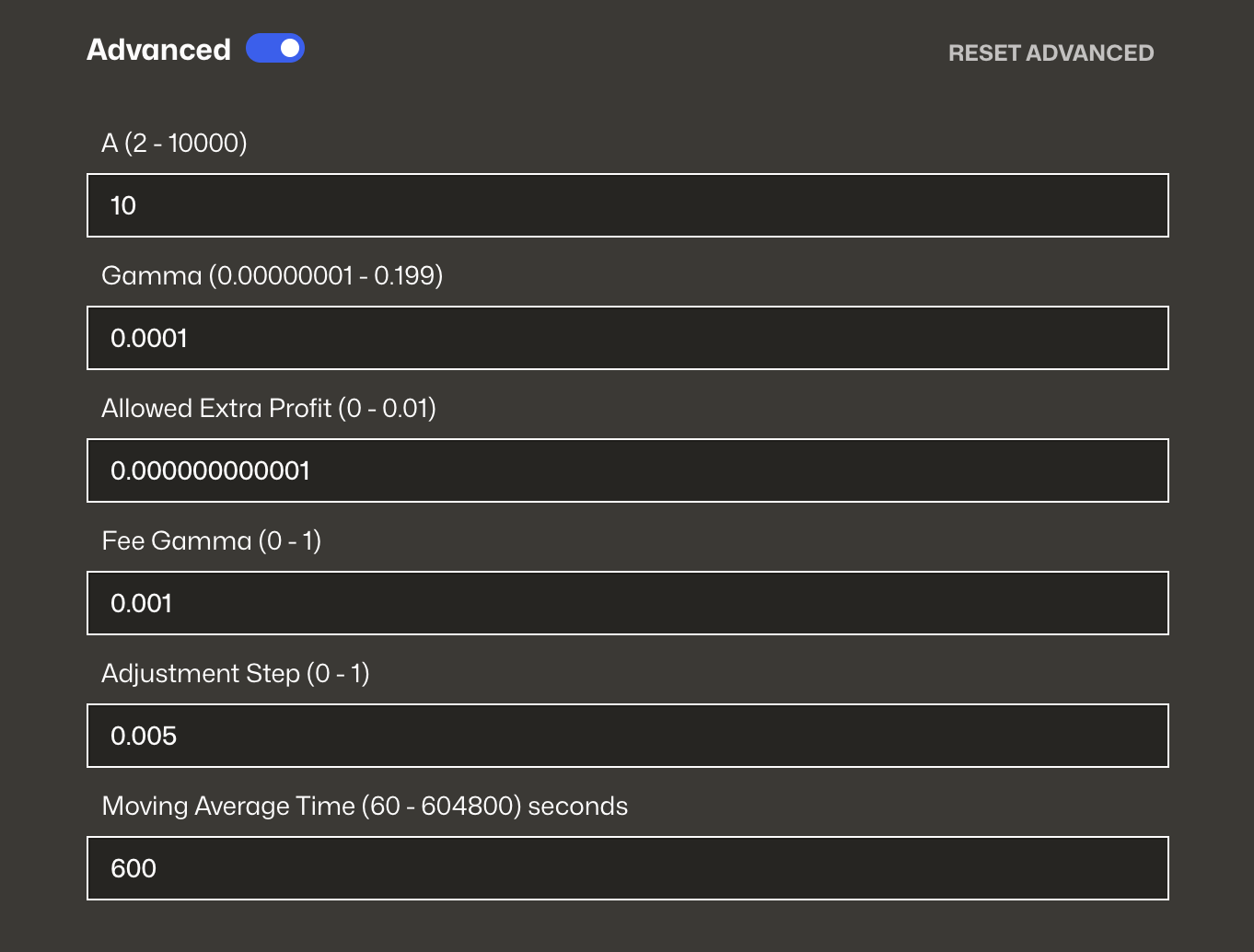
| Parameter | Description |
|---|---|
| Mid Fee / Out Fee | The base and maximum fee range, charged depending on pool imbalance. More here: FXSwap Dynamic Fees. |
| Fee Gamma | Controls how fee ramps up with imbalance. Lower gamma results in a sharper rise from Mid Fee to Out Fee as imbalance grows. More here: FXSwap Dynamic Fees. |
| Amplification (A) | Higher = flatter curve = tighter prices near balance. More here: FXSwap Parameters. |
| Gamma | Unused in FXSwap logic. Retained solely for backward compatibility. |
| Allowed Extra Profit | Sets profit-taking buffer for rebalancing. |
| Adjustment Step | Step size for rebalancing operations. |
| Moving Average Time | Smooths price changes over time using an EMA (in seconds). |
| Refuel Duration | Duration (in seconds) over which refuel shares unlock linearly. The deployed parameter is donation_duration. Default is 7 days. More here: FXSwap Refuels. |
📖 Further reading: Understanding FXSwap
Step 4: Enter Pool Info
After configuring your parameters, you’ll be prompted to set the Pool Name and Pool Symbol.
These values will be used as the ERC‑20 metadata for the pool’s LP token and will appear in block explorers and in the Curve UI.
- Pool Name – A human-readable label for the pool (e.g.
crvUSD/EURC FX) - Pool Symbol – The LP token symbol (e.g.
crvUSDEURC,fxcrvUSDEURC)


💡 Tip: Use short, clear names that reflect the assets in the pool. These fields are immutable after deployment — double-check for typos.
Step 5: Deploy the Pool
Before deploying, review all your settings in the Summary panel on the right. This includes:
- Selected tokens
- Pool parameters (A, fees, refuel duration, etc.)
- Pool name and symbol
Once everything looks correct, click the blue Create Pool button at the bottom of the page. Your wallet will prompt you to approve the transaction.


What to do after deployment
✅ Seed initial liquidity — a pool with zero balance cannot process trades.
✅ (Optional) Add Refuels — Refuels help maintain pool efficiency by subsidizing rebalancing costs. You can add them manually via crvhub.com/refuel, or set up recurring automated refuels with the DonationStreamer contract. More here: FXSwap Refuels
✅ (Optional) Create a gauge to distribute CRV or other incentives to LPs.