Guide: How to Swap Assets
Swapping on Curve is easy thanks to the Curve Swap Router, follow along below.
1. Go to Curve Swap
First, head to Curve Swap:
 Curve Swap
2. Connect Wallet
If your wallet isn't already connected, you'll find the CONNECT WALLET button in the top-right corner, and choose your desired network, Ethereum is the default.
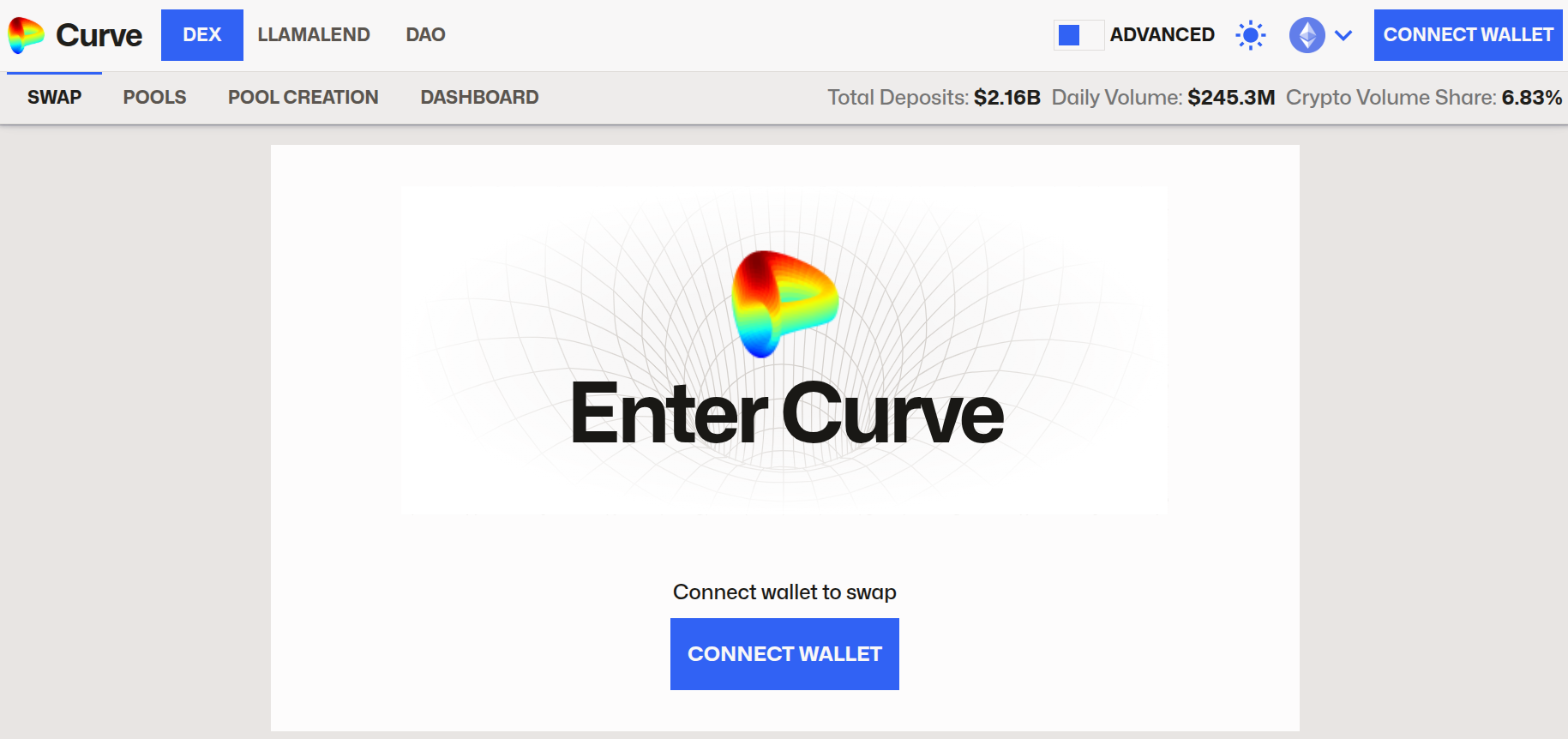
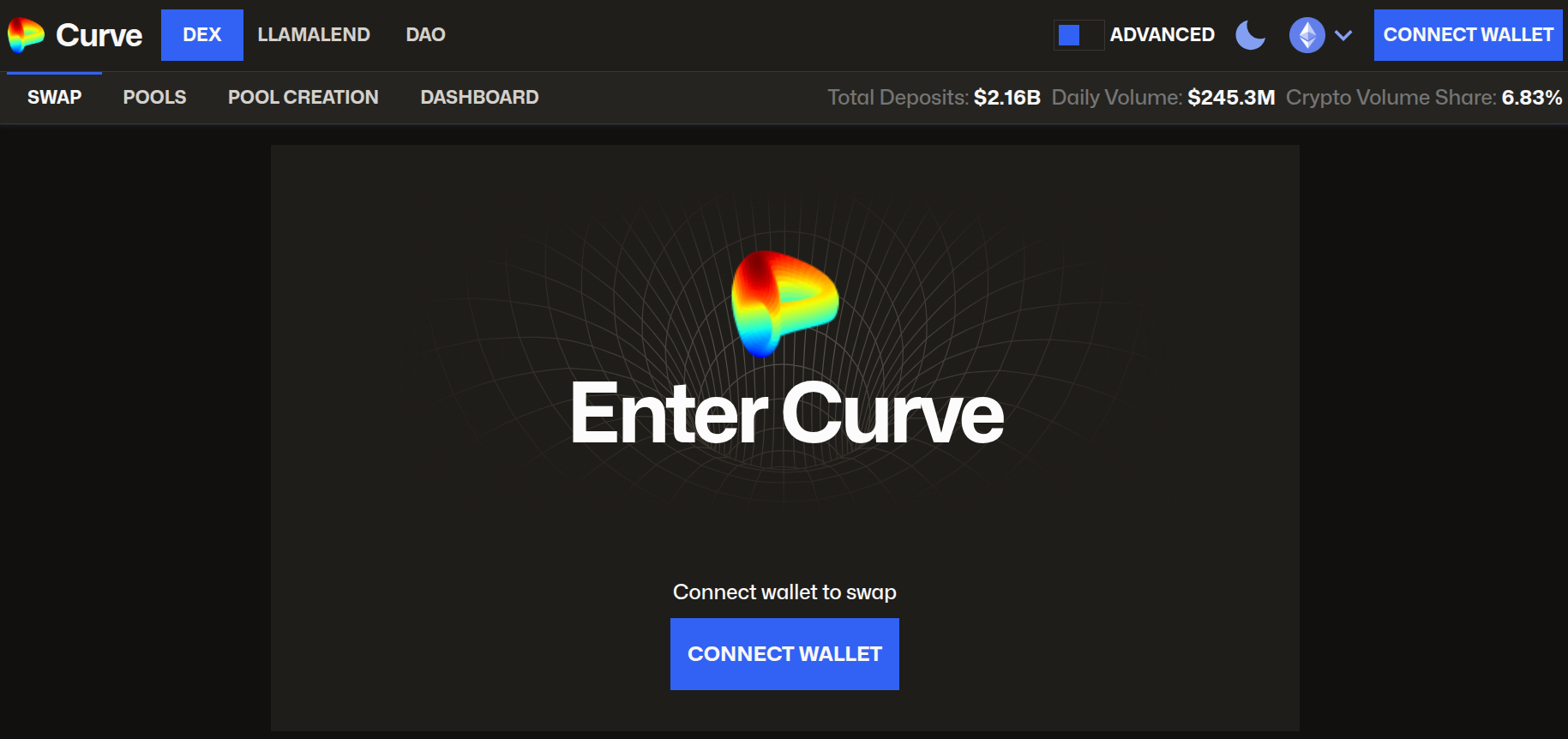
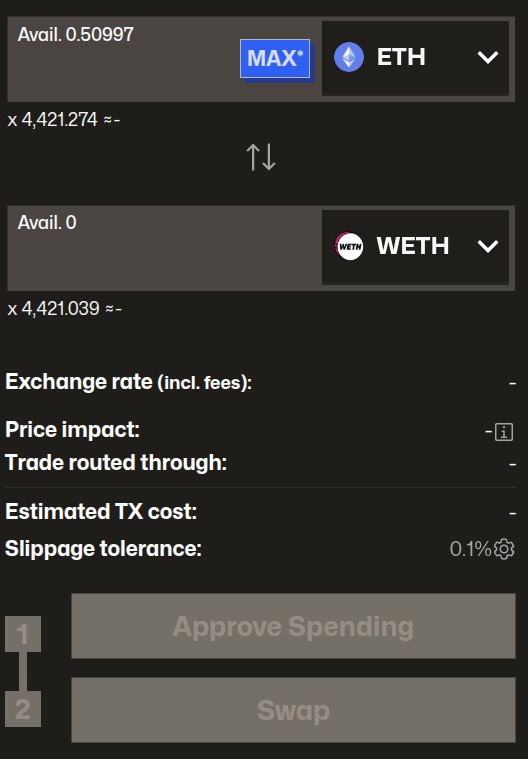
You should then see the swap interface in the center of your screen:
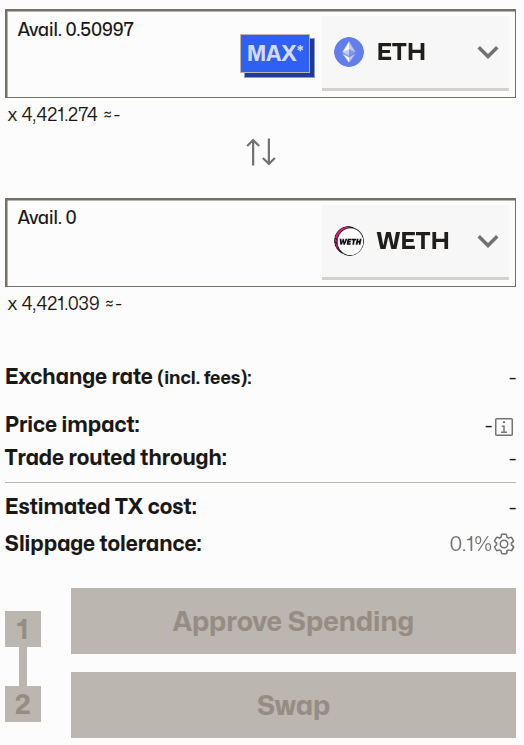
3. Select Your Tokens and Amount
Use the top box (shown as ETH above) to select the token you want to sell and the bottom box for the token you want to buy (shown as WETH in the image above). Then, enter the amount you wish to trade.
Let's walk through an example of swapping 2000 USDC for crvUSD. After entering these details, the interface updates to show you a detailed quote for the trade:
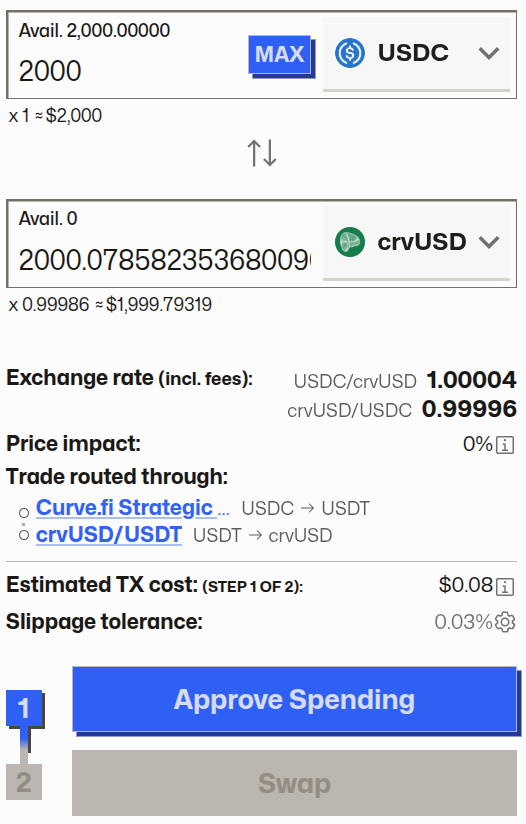
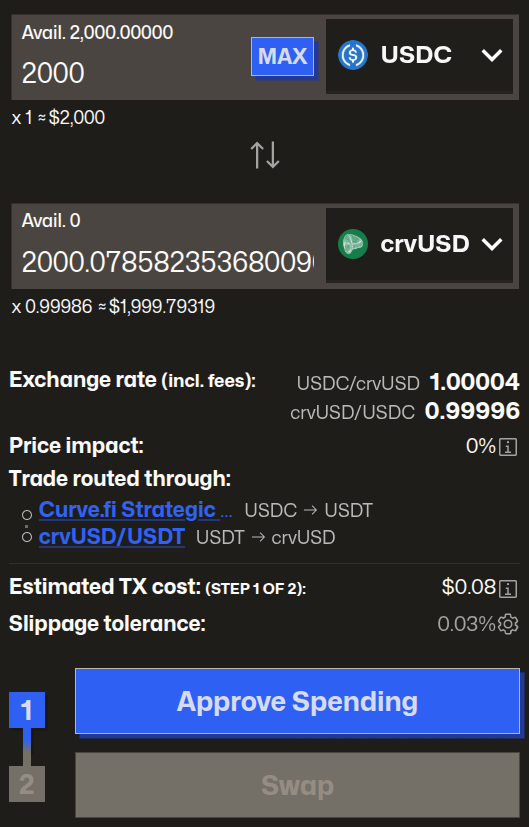
Here’s what the detailed quote from the interface is telling us:
- Exchange Rate: For every
1 USDCyou swap, you will receive1.00004 crvUSD. This rate already includes trading fees. - Trade Route: The Swap Router found the best price by routing your trade through two pools: first
USDC→USDT, and thenUSDT→crvUSD. - Slippage Tolerance: This is a safety feature that protects you from large price swings while your transaction is being processed. The default of
0.03%means that in a worst-case scenario, the minimum you would receive is0.99974 crvUSDper1 USDC.
3. Approve and Swap
To complete the swap, you'll likely need to perform two separate transactions:
- Approve: Before swapping a token for the first time, you must grant the Curve smart contract permission to interact with it. This is a standard security step in DeFi. Click
Approveand confirm the transaction in your wallet. You only need to do this once per token. - Swap: Once the approval transaction is confirmed, the button will change to
Swap. Click it and confirm the final transaction in your wallet to execute the trade.
4. Confirmation
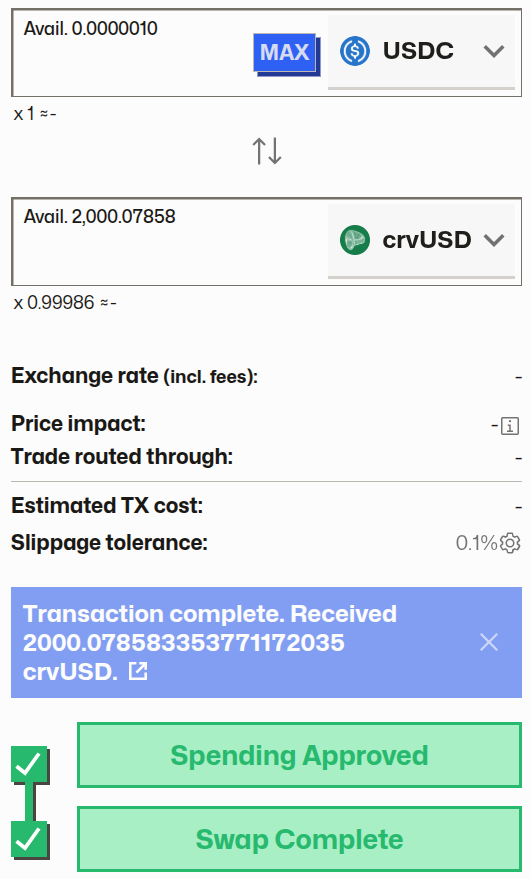
After a few moments, the transaction will be confirmed on the blockchain. The interface will update to show your new crvUSD balance, confirming a successful swap:
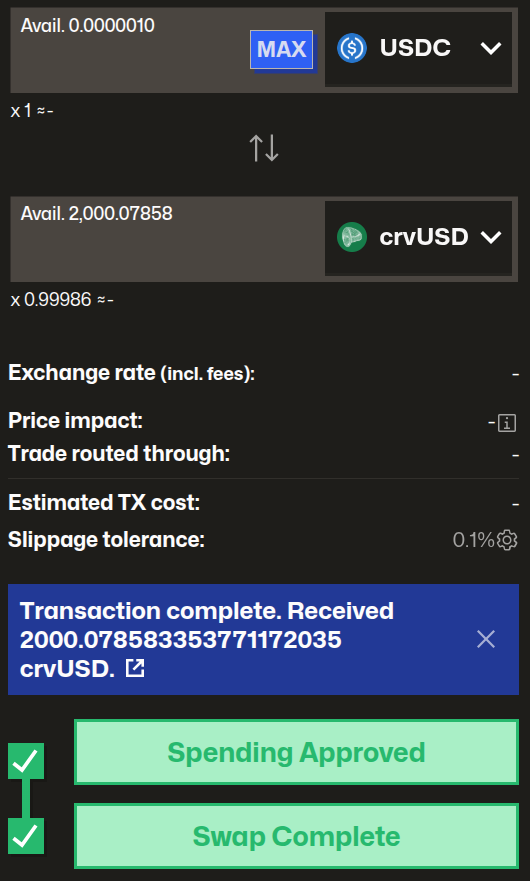
Congratulations, you've successfully swapped tokens on Curve!