Guide: How to Unstake & Withdraw
To withdraw from a pool, you may have to first Unstake your tokens if you have staked them. These are two separate actions, and unfortunately cannot be done together like Deposit & Stake.
Unstaking
To unstake, go to the Withdraw/Claim tab on the left, then click Unstake:
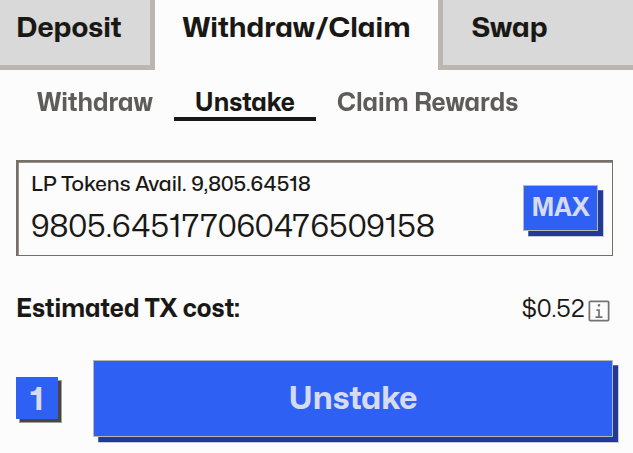
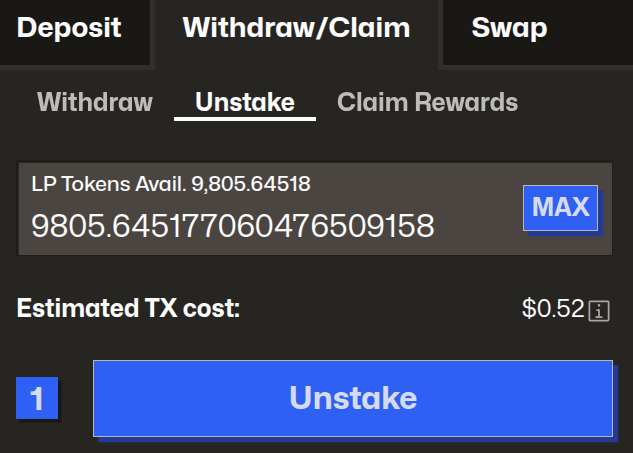
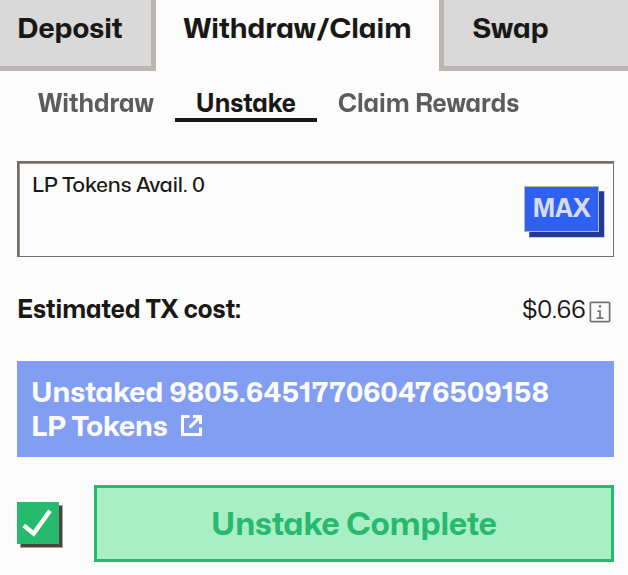
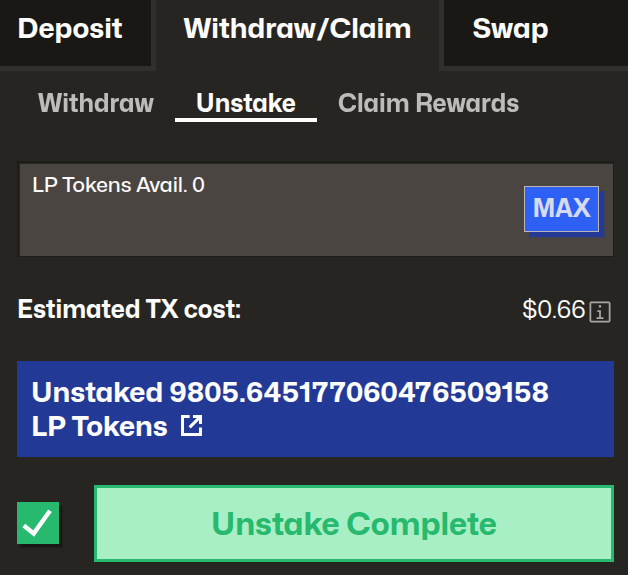
You can choose to unstake a portion or all of your LP tokens. After choosing your desired amount, click the Unstake button and confirm the transaction within your wallet. Once successful you will receive confirmation that your tokens are now unstaked:
Withdrawing
To withdraw, go to the Withdraw/Claim tab on the left, then click withdraw. You should then a menu like this:
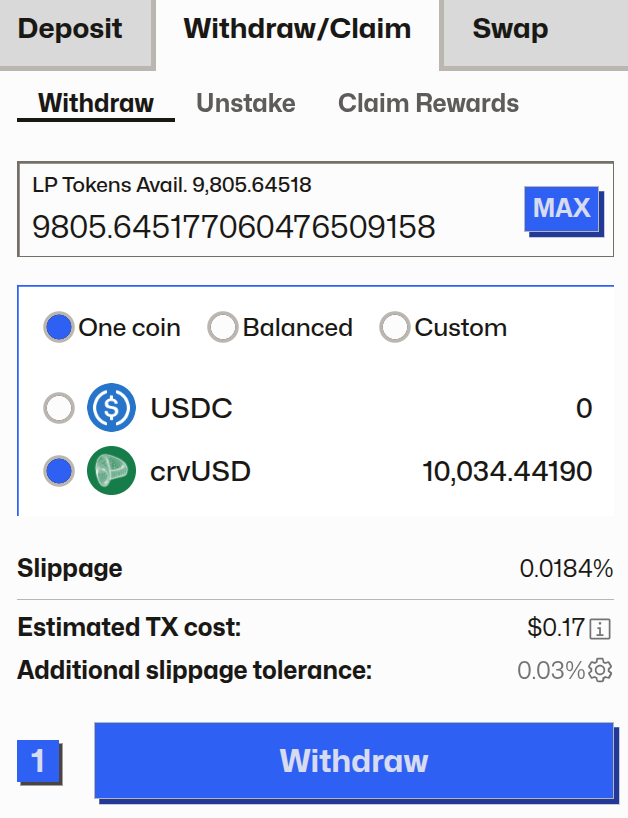
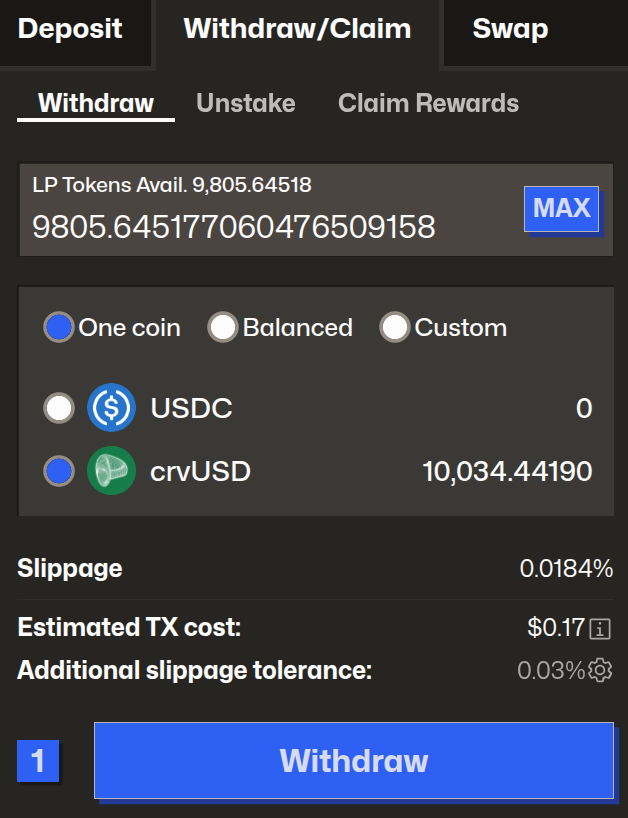
Above we have chosen to withdraw all our LP tokens by clicking MAX, then we chose what assets we wanted:
- One Coin: Withdraw everything as just
crvUSDorUSDC - Balanced: Each LP token is worth an equal share of the all the
crvUSDandUSDCin the pool. In our case, each LP token was worth 0.61USDCand 0.41crvUSD, so in total our balanced withdrawal of 9805 LP tokens would be 5989USDCand 4047crvUSD - Custom: This lets you withdraw in any ratio you wish, for example, receiving 1000
crvUSDand the rest asUSDC
Above we are going to withdraw our LP tokens as solely crvUSD, because that is what we initially deposited.
Click on Withdraw and confirm the withdrawal within your wallet. Once this is successful the UI will show a confirmation:
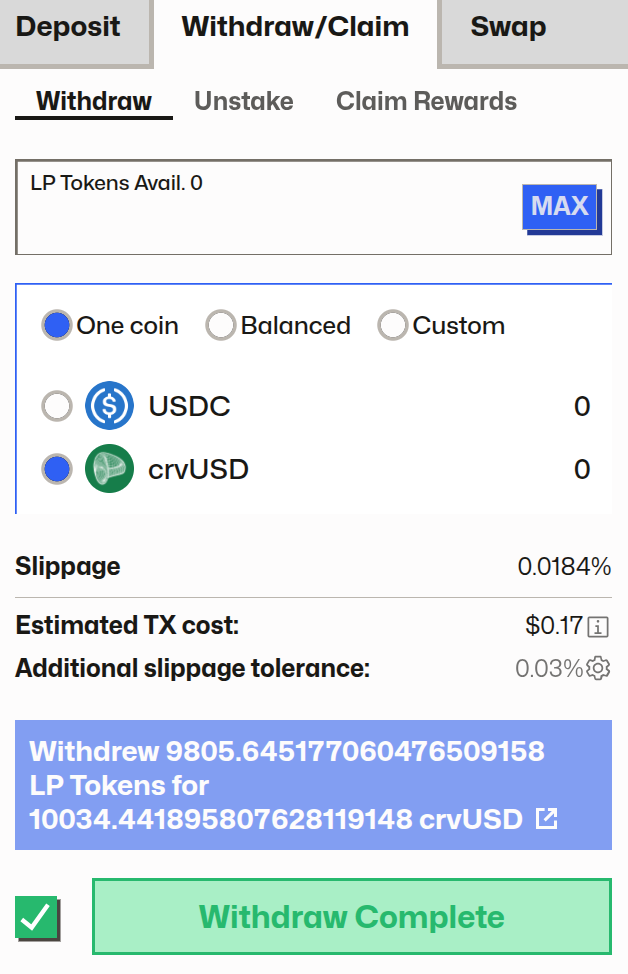
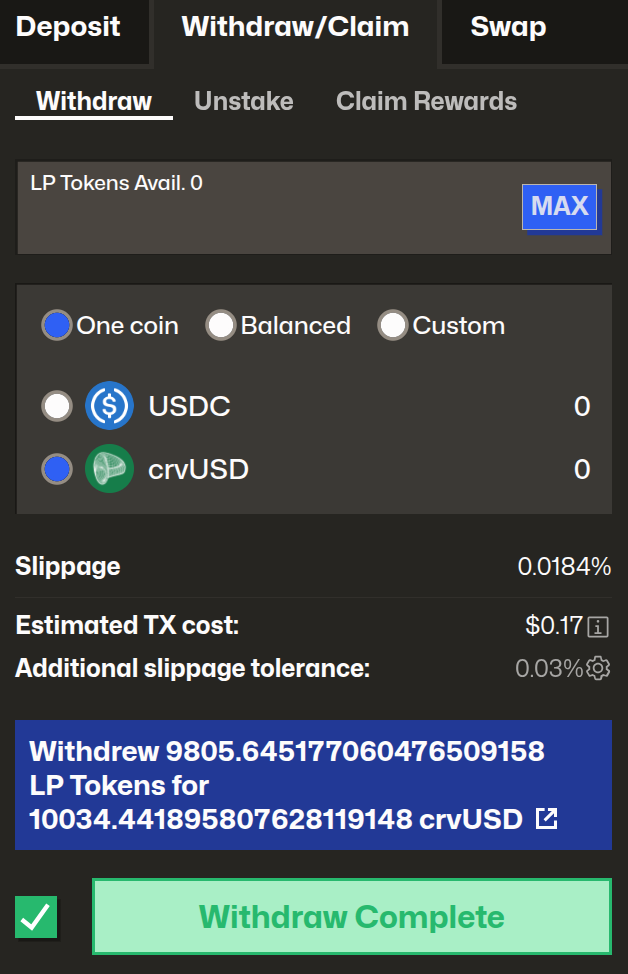
Congratulations you successfully provided liquidity to a Curve DEX pool!
You can see here that we initially deposited 10,000 crvUSD, but were able to withdraw 10,034 crvUSD, a profit of 34 crvUSD which was earned from swap fees.